Implementing QR codes for EU wine label compliance is a straightforward process once you understand what data you need, how to generate the codes, and what printing specifications to follow. This guide walks through the entire workflow — from organising your wine data to printing and testing — so you can get compliant efficiently. For the full regulatory context, see our Wine E-Label Masterguide.
This guide summarises QR code implementation for EU wine labels for informational purposes. For legal advice specific to your situation, consult a qualified wine law professional. Last updated: March 2026.
Why QR Codes for Wine Labels
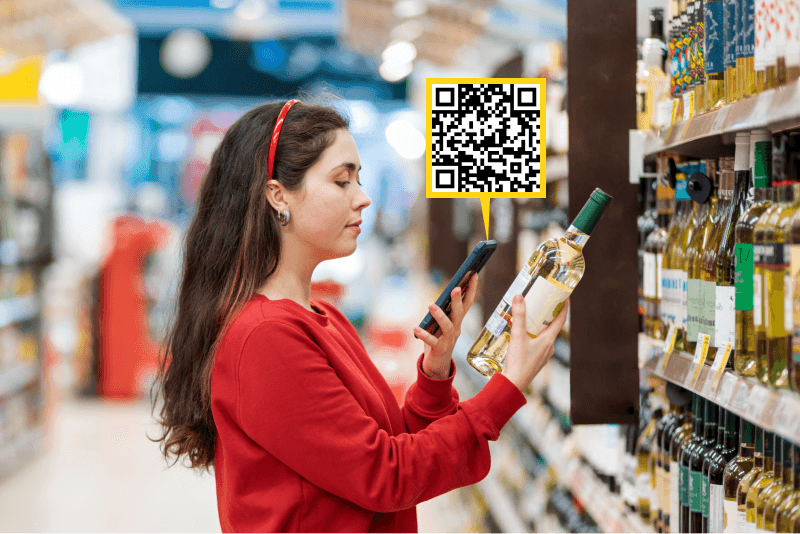
Since 8 December 2023, EU Regulation 2021/2117 requires all wines sold in the EU to declare ingredients and nutritional information. The regulation allows wineries to provide this information electronically via a QR code on the physical label, rather than printing everything on the bottle.
This approach offers two practical advantages:
- Post-print updates: With a dynamic QR code, you can correct errors, update ingredients after a blend change, or add new languages — all without reprinting labels.
- Label space efficiency: The full ingredient list and nutritional table can be extensive. Moving them to an e-label page keeps the physical label clean and design-focused.
Step 1: Organise Your Wine Data
Before creating an e-label, gather the following information for each wine product:
Required for the e-label:
- Full ingredient list (in descending order of weight, grapes first)
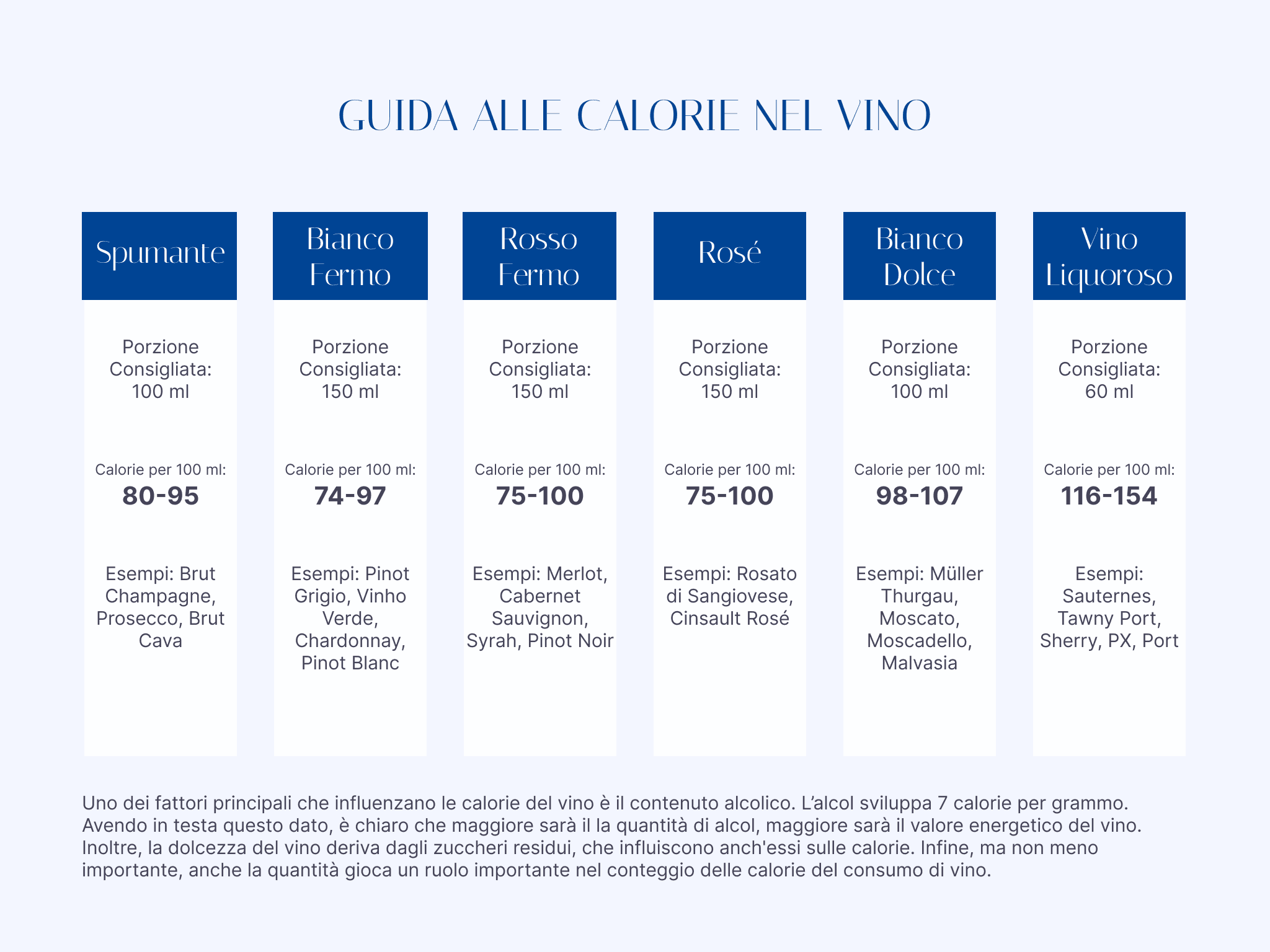
- Nutritional values per 100 ml (energy in kJ/kcal, fat, saturates, carbohydrate, sugars, protein, salt)
- Allergen declarations (sulphites, egg derivatives, milk derivatives)
Required for the physical label (but also displayed on the e-label):
- Product category and denomination (DOC, DOCG, IGT, etc.)
- Alcohol by Volume (ABV)
- Country of origin
- Producer/bottler name and address
- Net quantity
- Vintage year
- Lot number
Optional but recommended:
- Serving size information (100 ml is mandatory; 125 ml or 150 ml optional)
- For wines with ABV below 10% after dealcoholisation: minimum durability date
- Italian market: recycling and packaging disposal information (D.Lgs. 116/2020) — this can be provided via the e-label as an alternative to printing it on the physical label
- Other markets such as Spain and France also have packaging recycling requirements, but these must be printed directly on the physical label
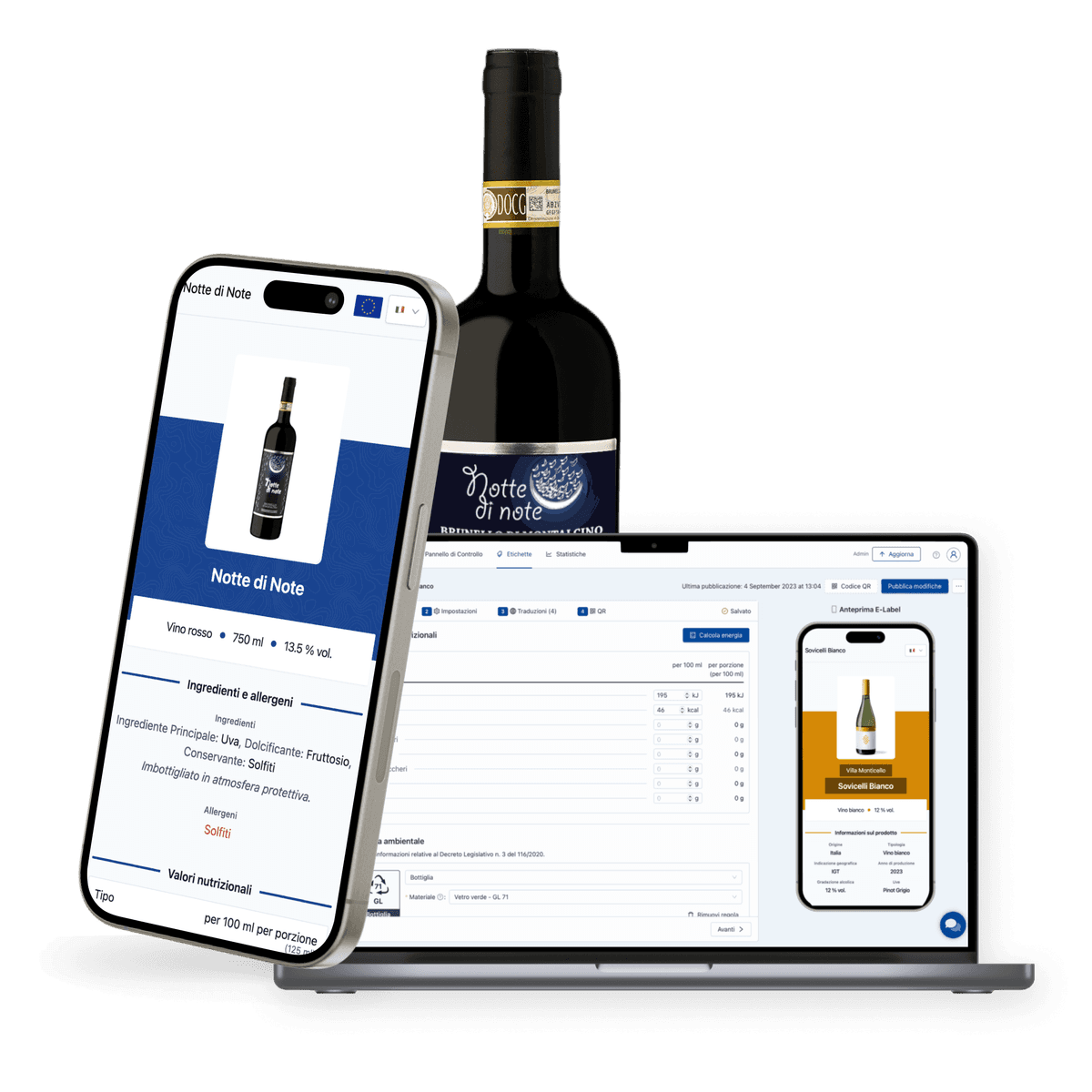
QRFox.eu E-Labels provides a pre-translated database of ingredients and allergens covering all 24 official EU languages, so you don't need to manually translate each item. Enter your data once in your language, and the platform handles the rest.
Step 2: Create the E-Label
Input your wine data into an e-label platform. For each wine product, you will:
- Enter the ingredient list — select from the ingredient database or add custom ingredients
- Enter nutritional values — either from laboratory analysis or calculated using the EU energy formula
- Declare allergens — the platform highlights and formats these according to EU requirements
- Select target languages — choose which EU markets the wine will be sold in
- Preview the e-label — verify all information is correct and properly formatted
The e-label page must be neutral and free of marketing content, in compliance with Commission Notice C/2023/1190. No cookies, no tracking, no promotional material.
Step 3: Generate and Download QR Codes
Once the e-label is created, generate the QR code for each wine product. Key considerations:
File format matters:
| Format | Use Case | Scalability |
|---|---|---|
| SVG | Production printing, label design software | Vector — scales to any size without quality loss |
| Sending to print shops, proofing | Vector — universally compatible |
Always use a vector format (SVG or PDF) for production label printing. Raster formats like PNG lose quality when scaled, which can make the QR code unscannable at small sizes.
Dynamic vs static: A dynamic QR code points to a URL that can be redirected — meaning the e-label content behind the code can be updated without changing the printed QR code itself. A static QR code encodes fixed data that cannot be changed after printing. For wine labels, always use dynamic QR codes — the ability to update is essential when regulations change, ingredients are corrected, or new languages are added.
Step 4: Design and Print the Label
Integrate the QR code into your label design following these printing specifications:
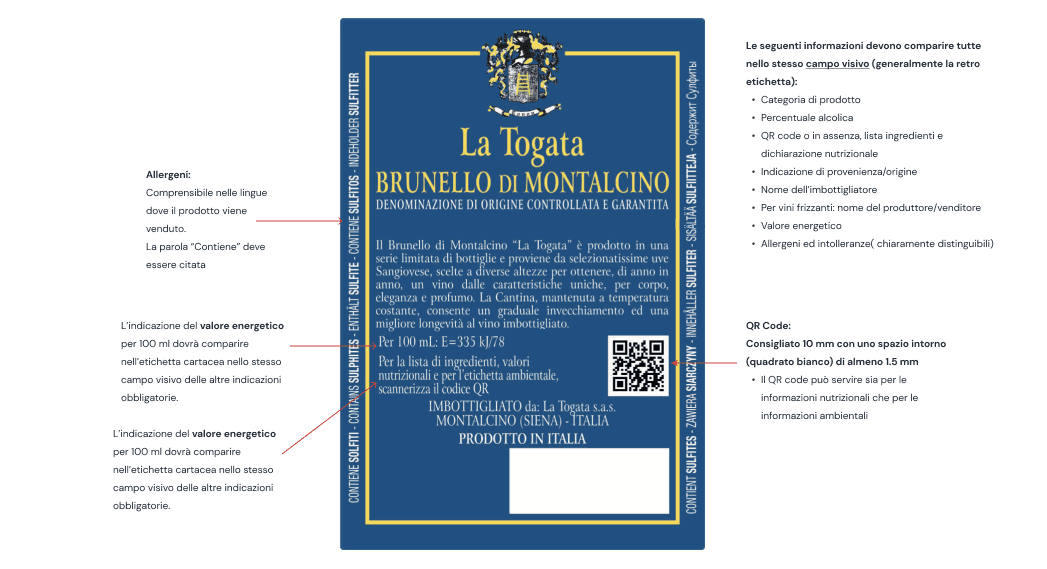
- Size: 1.2 cm × 1.2 cm to 1.5 cm × 1.5 cm (1.5 cm required for Italy)
- Quiet zone: At least four module widths of clear space around the code
- Colour: Black on white for maximum reliability; dark on light can work but must be tested
- Resolution: 300 DPI or higher
- Position: Back label, alongside other mandatory information, in the same field of view
- Text: The word "Ingredients" (or "Nutrition/Ingredients") must appear next to the QR code in the market language, with a minimum font height of 1.2 mm
Step 5: Test Before Production
This step is frequently skipped and is the most common cause of problems. Before committing to a production print run:
- Print a test label at production size and resolution
- Scan with at least 3 different smartphones (both iOS and Android, different brands)
- Test in different lighting conditions — indoor, outdoor, under store lighting
- Verify the e-label loads correctly — check that all ingredients, nutrition, and allergens display properly
- Check language detection — scan from different locations or with different phone language settings to verify auto-translation works
- Confirm the "Ingredients" text is legible and meets the 1.2 mm minimum
If any test fails, adjust the QR code size, contrast, or quiet zone before production. It is far cheaper to reprint a test sheet than an entire production run.
Common Mistakes to Avoid
| Mistake | Consequence | Prevention |
|---|---|---|
| QR code too small (<12 mm) | Won't scan reliably, especially on curved bottles | Use 1.2–1.5 cm minimum |
| No quiet zone | Scanner can't distinguish QR code from label design | Leave 4× module width clear border |
| Missing "Ingredients" text | Non-compliant label — regulatory risk | Always include the heading in market language |
| Static QR code | Can't update content after printing — stuck with errors forever | Use dynamic QR codes from a dedicated platform |
| E-label hosted on winery website | Cookies, analytics, and marketing content violate the regulation | Use a dedicated e-label platform |
| Using PNG for production print | Quality loss at small sizes — QR becomes unscannable | Use SVG or PDF for production |
| Not testing before production | Discover scanning issues after printing thousands of labels | Always test with multiple devices first |
| Low contrast QR code | Scanner can't read the code in low-light conditions | Use high-contrast colours, test in store lighting |
Getting Started
The implementation process is simpler than it appears: organise your wine data, create the e-label, download the QR code in a vector format, integrate it into your label design, and test before production. The entire process can be completed in a single afternoon for most wineries.
Create your first compliant e-label free — no credit card required. For a comprehensive walkthrough of every compliance requirement, see the Wine E-Label Masterguide.